Share your itinerary with travel partners and planners
Somebody else usually needs to know where you are: a partner at home, family meeting you at arrivals, or the colleague who books your travel. TripStow lets you share your itinerary with them in a few seconds, and keep everything else to yourself.
Add a partner by email
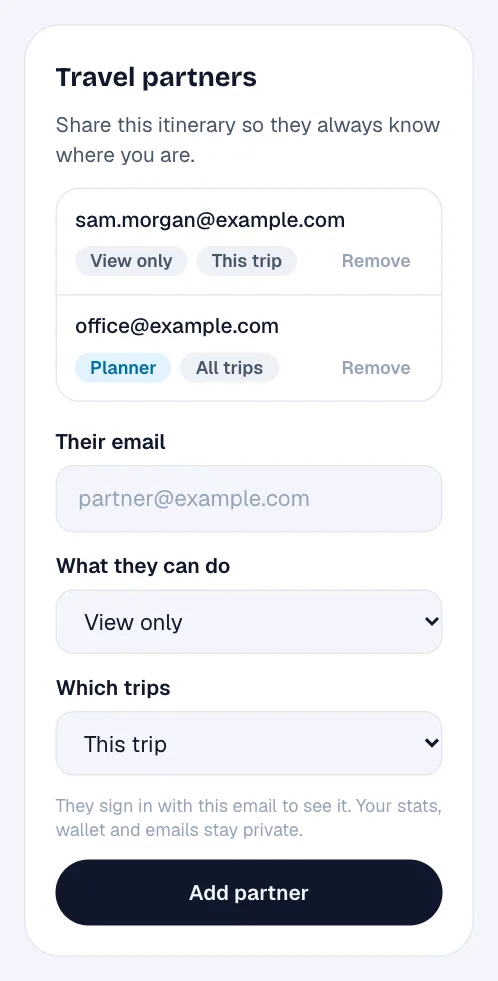
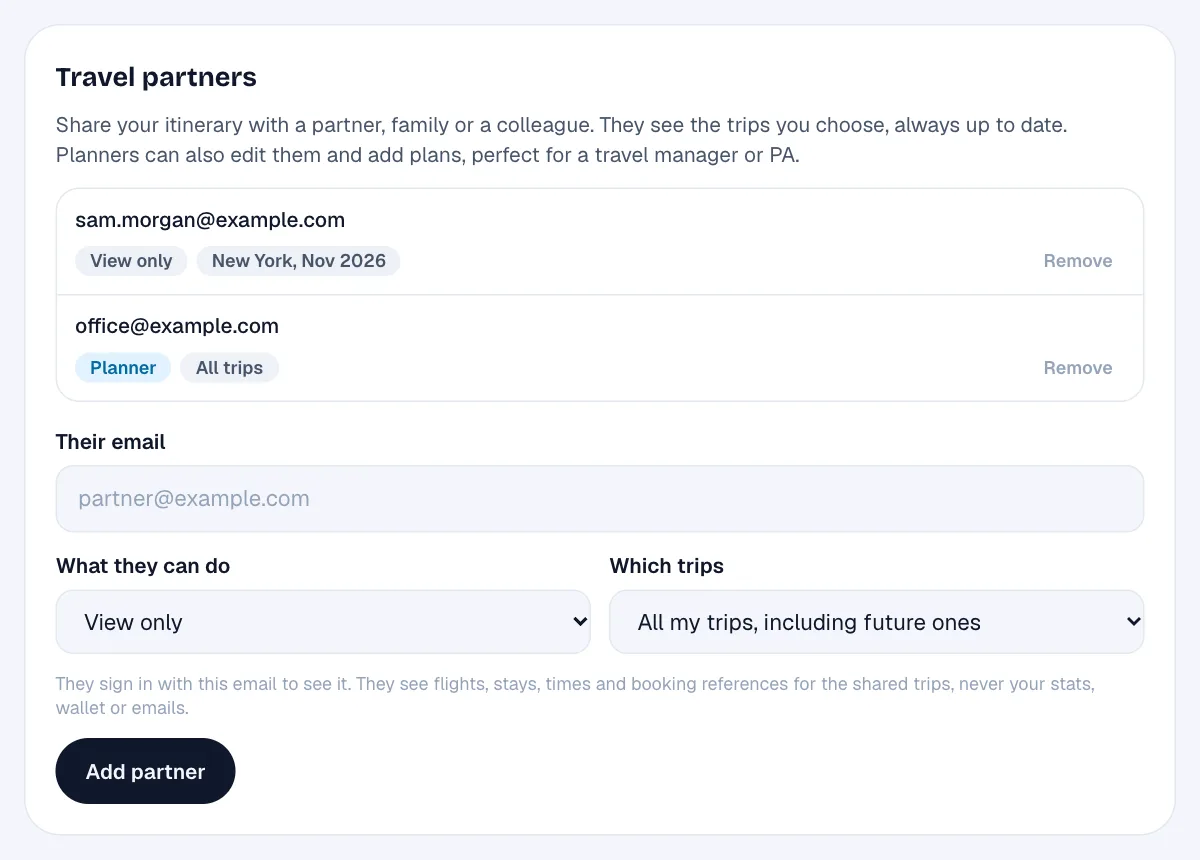
On any trip, or in Settings for all of them, add someone's email address. When they sign in to TripStow with that address, the shared trips appear under “Shared with you”, always up to date as you forward new bookings.
Viewers and planners
- View only: they see flights, stays, times and booking references for the trips you share.
- Planner (Pro): they can also edit those trips and add plans for you. Ideal for a PA or travel manager.
Private by default
Partners only ever see the trips you choose. Your stats, map, loyalty numbers, travel documents and forwarded emails stay private, and plans you have not filed into a trip are never shared. You can remove anyone at any time, and they can stop following your trips themselves.
Why it matters
No more forwarding every confirmation to the family group chat, or answering “what time do you land?” three times. Share your next trip with the people who need it.