Flag Ticker: your year of travel, in flags
The short answer: a Flag Ticker is your travels told in flags. One row for every month you went somewhere, with each country's flag in the order you got there, and the countries that were a first for you framed in gold. It is free on TripStow, ready to post to TikTok, Instagram or anywhere else.
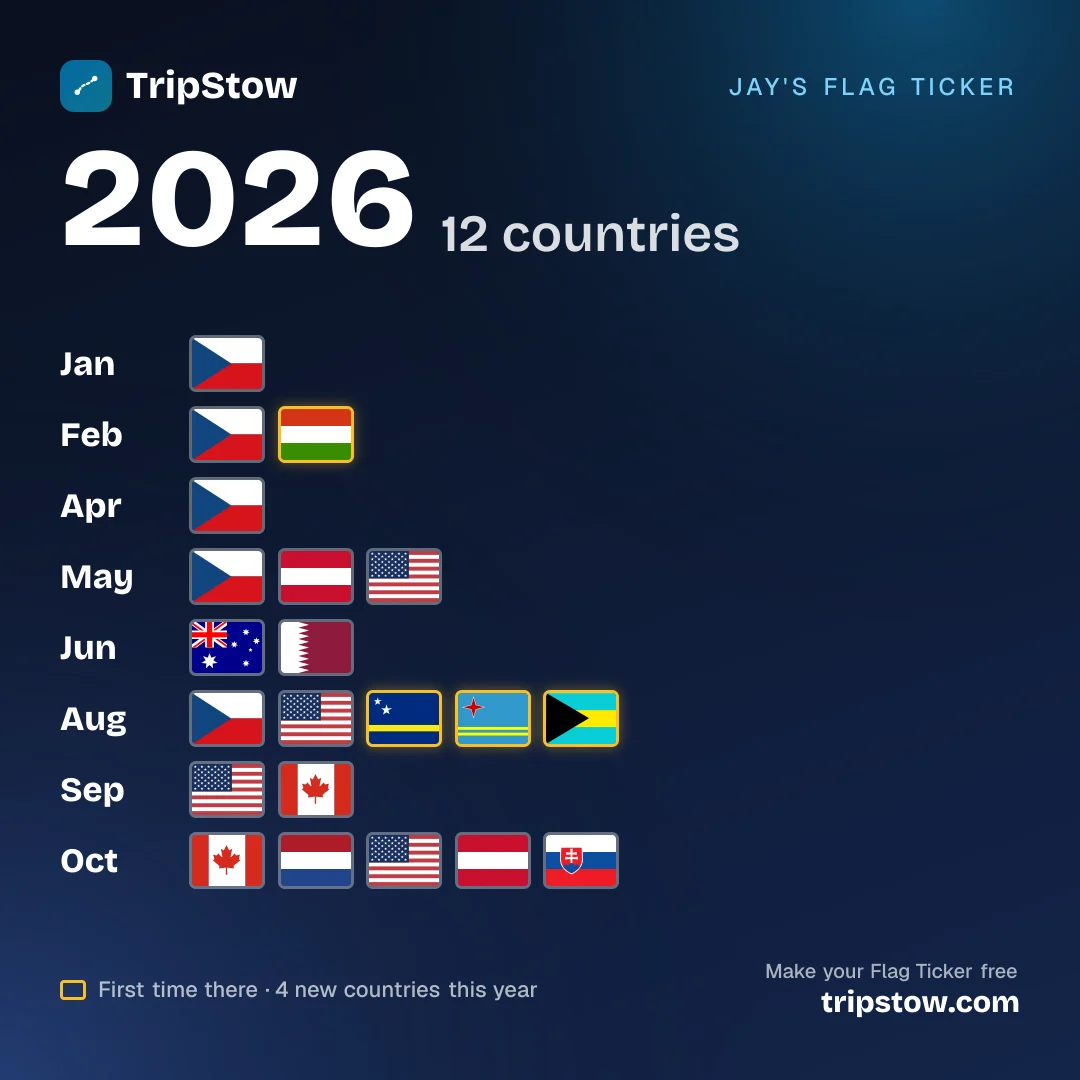
Two ways to tick off a year
- The year view reads like a timeline. January to December, each month's flags in a row, so a busy summer and a quiet spring show at a glance.
- The month view gives one month the whole card: its flags large, with their names underneath. Made for the month you finally did the big trip.
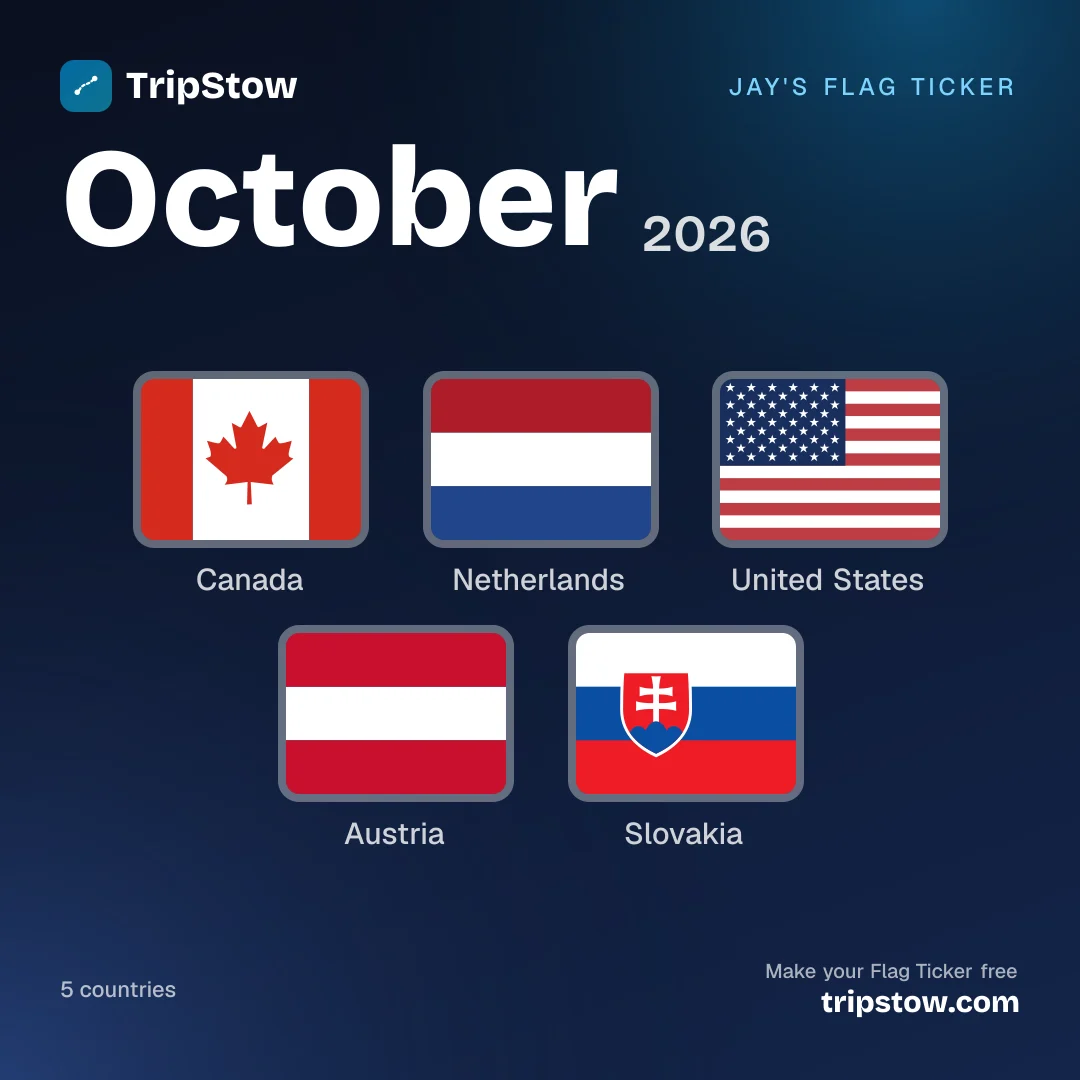
How to make yours
- Get your trips in. Forward your booking emails, import your flight history from TripIt, Flighty or a spreadsheet, or tick countries off the scratch-off map by hand.
- Open Share and choose Flag Ticker. Pick the year or a month.
- Choose a size: Story for TikTok and Instagram Stories, Square for a post, Wide for X or WhatsApp, or a transparent Sticker to lay over your own photo.
- Post it with #FlagTicker, so everyone's tickers can find each other.
What counts
Your Flag Ticker uses the same rules as your TripStow map, so the two always agree: anywhere you stayed, landed, docked or crossed overland counts, your home country is left off, and an airport connection only counts if you have switched connections on. A country you visit in two different months shows in both, because that is the story of your year.
Like every TripStow share card, it only ever shows travel that is over. Upcoming trips never appear, so posting your ticker never tells anyone when you are away.
Start your ticker
TripStow is free on the App Store and at tripstow.com. Add your trips once and your Flag Ticker, scratch-off map and travel stats keep themselves up to date from then on. What's on your 2026 Flag Ticker?