Ask ChatGPT, Claude, Gemini or Perplexity about your trips
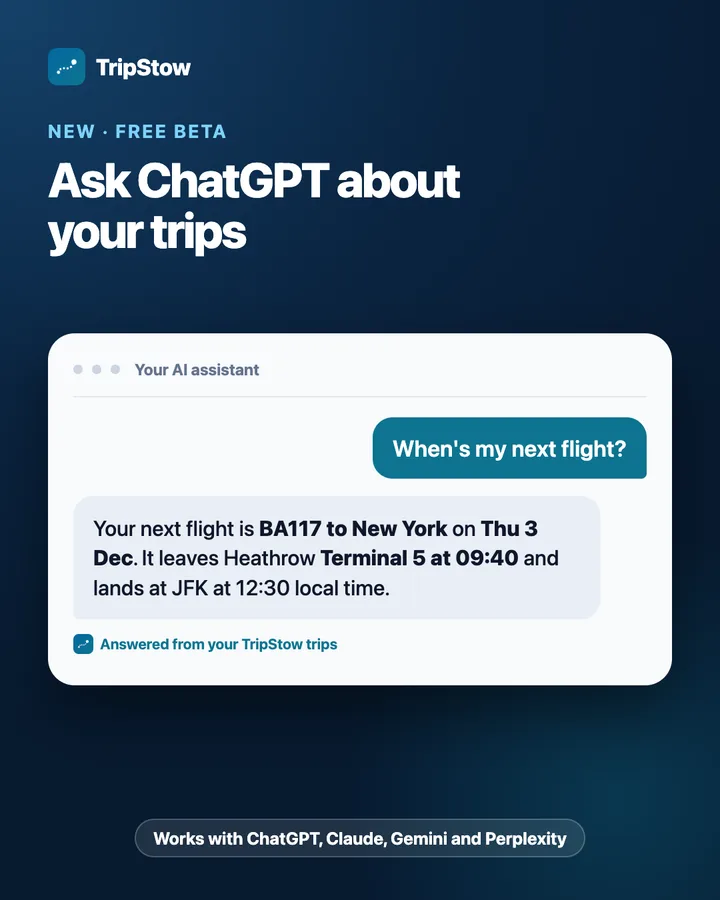
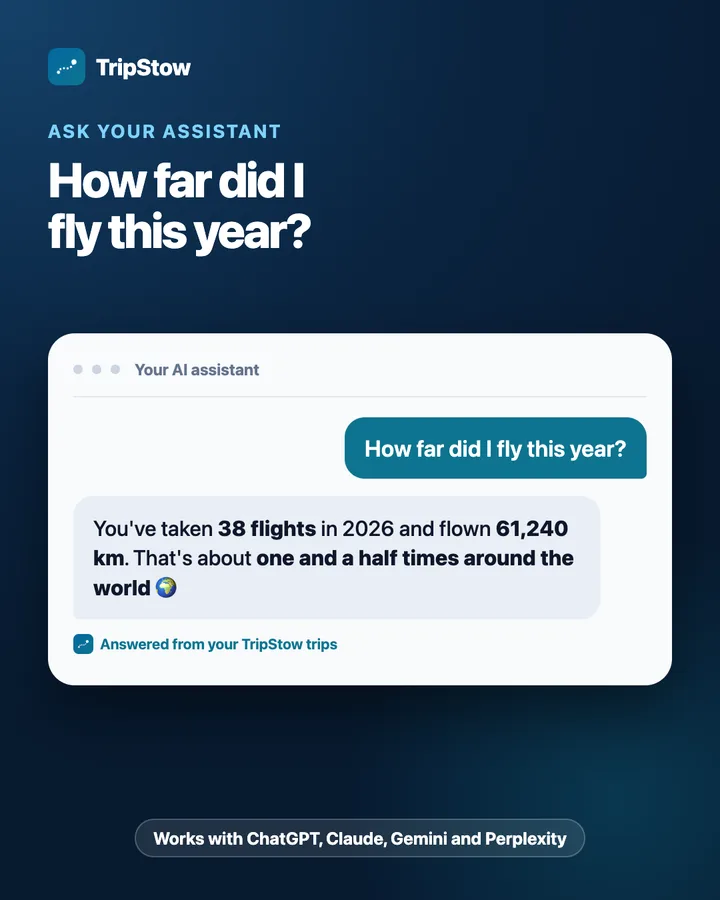
Connect your TripStow account to the AI assistant you already use and ask it about your own travel: when your next flight leaves, how far you flew this year, which countries were new, or when you last went somewhere. Your assistant answers from your TripStow trips, not from guesswork.
It is a free beta and it only reads. It works with ChatGPT, Claude, Gemini and Perplexity, and anything else that supports custom MCP connectors, through one address: https://tripstow.com/mcp.
How does it work?
- 1
Add TripStow to your assistant
In ChatGPT, Claude, Gemini or Perplexity, add a custom connector (ChatGPT calls it a plugin) with the address https://tripstow.com/mcp.
- 2
Sign in and press Connect
Sign in with your usual TripStow login. A TripStow page names the assistant and asks you to confirm. TripStow emails you to say it was connected.
- 3
Ask about your travel
Ask in your own words. Your assistant looks up your plans, stats and countries in TripStow when it needs them.
What can you ask?
A few examples, all answered from your own trips:
- When is my next flight, and which terminal does it leave from?
- How far did I fly this year, and how does it compare with last year?
- Which countries did I visit for the first time in 2025?
- When did I last fly British Airways, or go to Lisbon?
- What is in my trip next week, in order?
- Which airline and aircraft have I flown most? (Pro)
What can the assistant see?
Only your own trips: flights, trains, stays and other plans with their numbers, airports or stations and local times, your countries visited and your travel stats. Counts match what you see in TripStow.
It never gets booking references, seat numbers, hotel addresses, passport or loyalty numbers, your notes, the emails you forwarded, your private calendar link or trips that travel partners shared with you. It cannot add, change or delete anything, email anyone or share anything.
What it reads goes to the company that runs the assistant, under their terms. Disconnect any time in TripStow under Settings, Connected AI assistants, and access stops at once.
Free, with more on Pro
Reading your trips, countries and stats through an assistant is free on every account. TripStow Pro adds your top airlines and aircraft, plus the gate and live times on your flights. Adding bookings by asking your assistant is planned for Pro later.
Questions people ask
- Can I use TripStow in ChatGPT?
- Yes, in beta, including on a free ChatGPT account. Open Plugins, choose Add, then Add custom MCP server, and enter https://tripstow.com/mcp with OAuth. Then sign in to TripStow and press Connect.
- Does TripStow work with Claude, Gemini and Perplexity?
- Yes. Each lets you add a custom connector with the address https://tripstow.com/mcp. Gemini uses Developer Mode in its settings; Perplexity needs a paid plan.
- Is TripStow an MCP server?
- Yes. TripStow runs a remote MCP server at https://tripstow.com/mcp with OAuth sign-in, read only, for ChatGPT, Claude, Gemini, Perplexity and other MCP clients.
- Is connecting an AI assistant free?
- Yes. Reading your trips, countries and stats is free on every TripStow account; Pro adds airline and aircraft breakdowns and live flight times.
- Can the assistant see my booking references or passport?
- No. It never receives booking references, seat numbers, hotel addresses, passport or loyalty numbers, notes or forwarded emails, and it cannot change your account.
- How do I disconnect an AI assistant from TripStow?
- In TripStow, open Settings, find Connected AI assistants and press Disconnect. Access stops at once.
Related
Every trip, stowed
Forward a booking or boarding pass and your trip builds itself, then scratch it off your map. Free.
Start your map, free